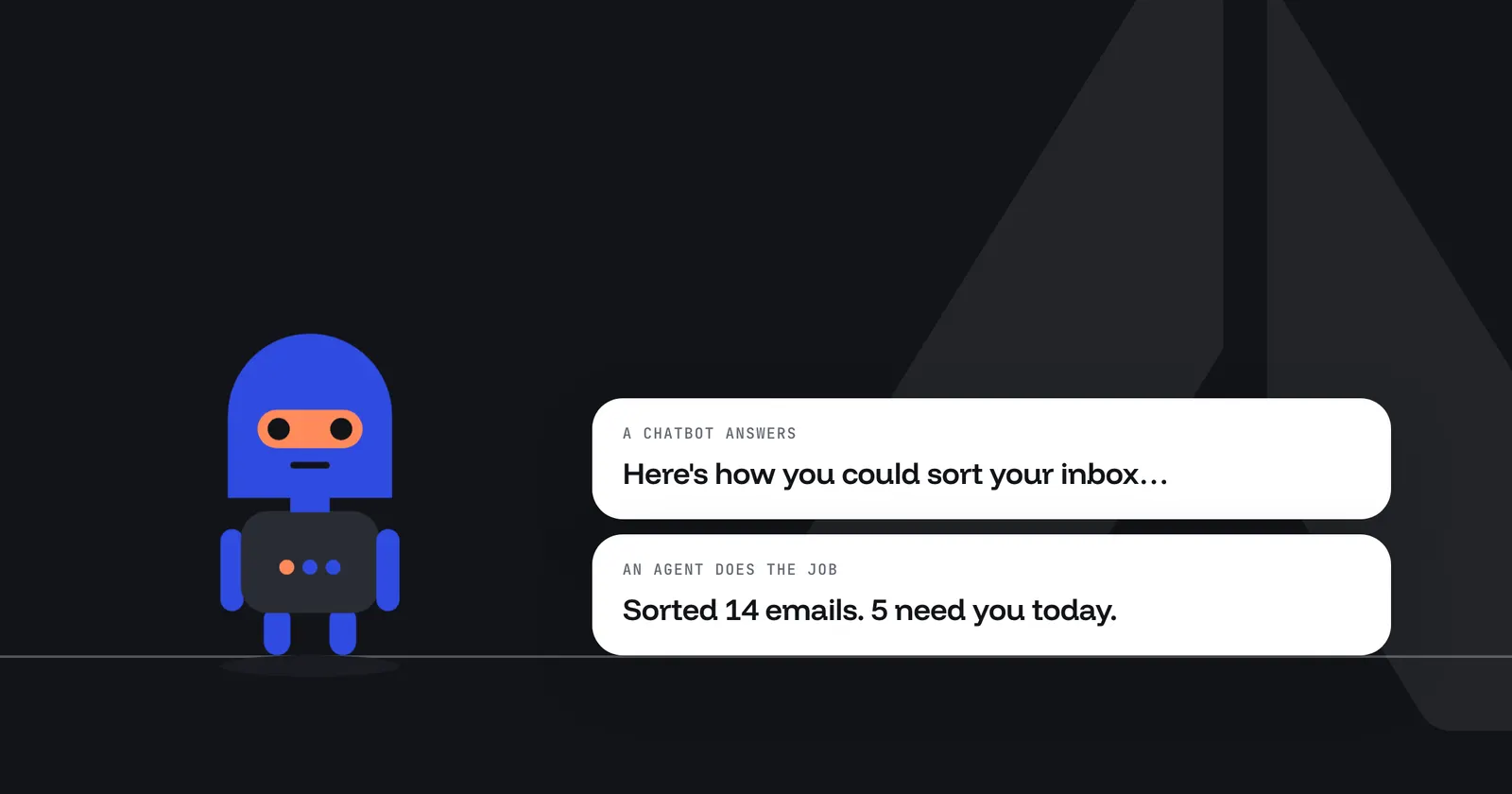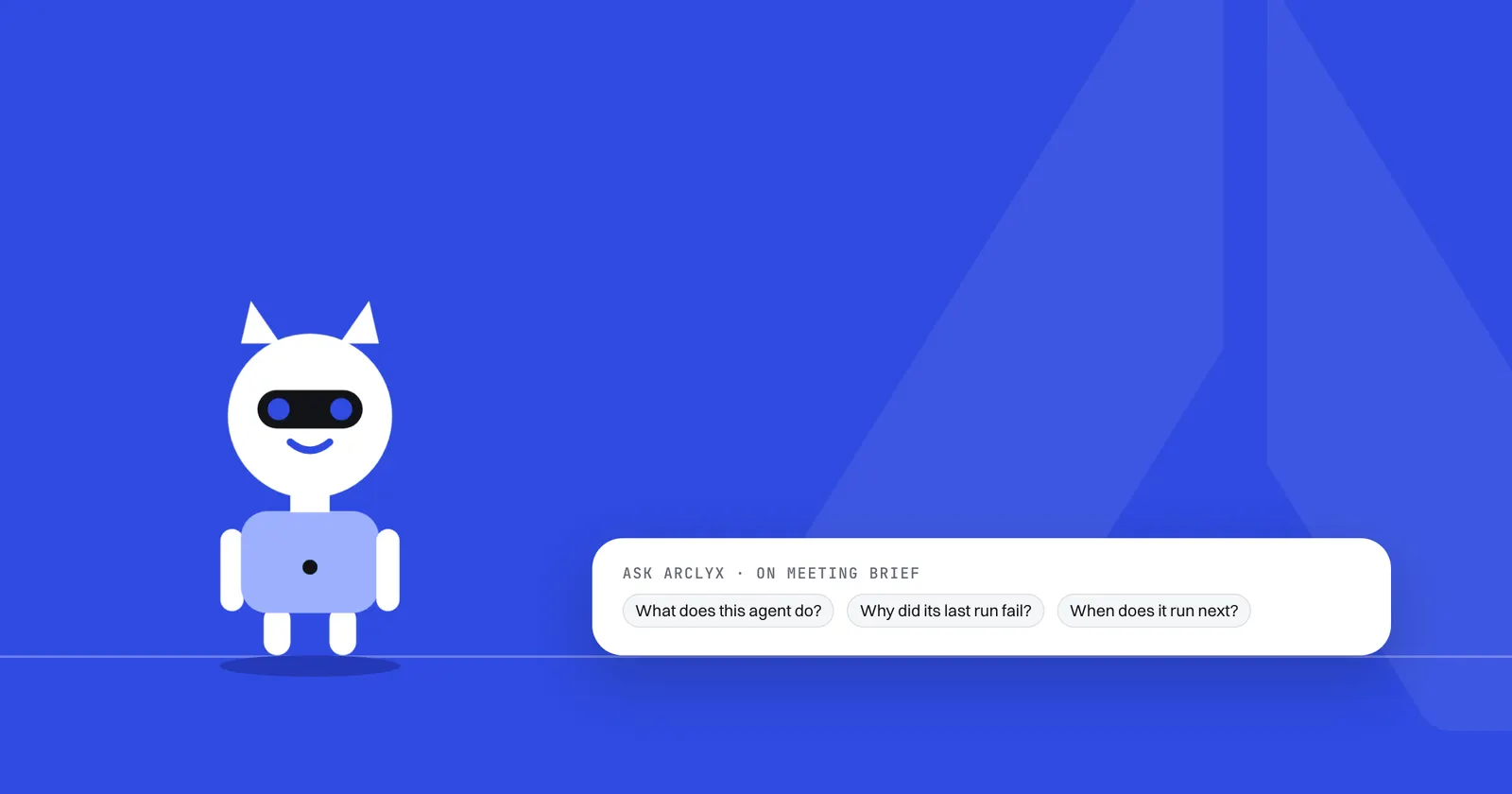
Summary
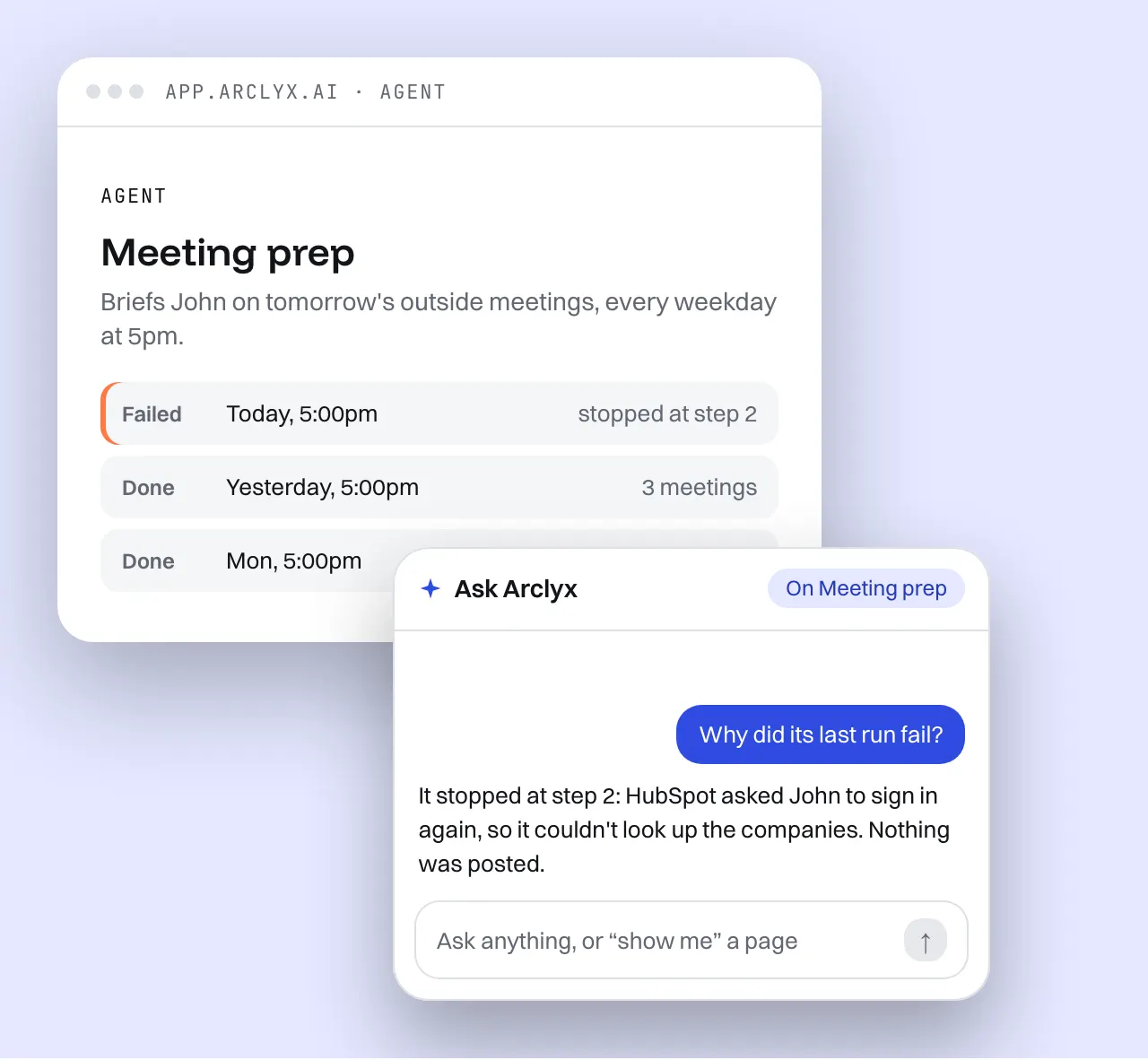
Ask Arclyx is a context-aware AI assistant built into Arclyx. Its context is the Arclyx page you're on: the agent, the run or the project in front of you. It doesn't see the rest of your screen or your other apps. Press Ask in the corner of any page but Chat, and you can ask why a run failed, open any page by name, or have it draft a new agent that waits for your Confirm.
Key Takeaways
- The context is the page. Each question carries the Arclyx page you're on: its title, the text you can see and the details behind it. Nothing outside Arclyx.
- Each page gets its own starters. Three per kind of page, such as "Why did its last run fail?" on an agent and "What did this run cost?" on a run.
- It opens what you name. Say "show me" and an agent, run, project or chat, and it takes you there, if you can already open it.
- It drafts, you confirm. Describe a job or a schedule and it drafts the agent as a card. Nothing is saved until you press Confirm.
- It reads; it doesn't act. It can't run, edit or delete an agent, connect a tool, search the web, send a message or post to Slack.
- The page is data, used once. Page text goes in as data, never instructions, is scanned for prompt injection, and isn't kept after the question.
What is a context-aware AI assistant?
A context-aware AI assistant uses what's around your question to answer it, so you don't have to explain. For Ask Arclyx, that context is the Arclyx page you're on. On an agent's page it already knows the agent, its settings and its last runs, so "why did its last run fail?" needs no other detail.
It's worth being exact about what context means here, because the phrase covers very different tools. Some assistants watch your whole screen or every app you use. Ask Arclyx sees one thing: the Arclyx page you asked from. It can also read the rest of your Arclyx account, under the same rules as the app's own screens, when a question needs it. The Ask Arclyx page has the full reference.
What context does Ask Arclyx get?
Every question carries the page with it: its title, the text you can see, and the details behind it. The more a page holds, the more it sends. Arclyx uses the page for that one question and doesn't keep it. Buttons and form fields are left out, and so is anything outside Arclyx.
| You're on | What goes with your question |
|---|---|
| An agent's page | What it does, its tools, triggers and instructions, and its last five runs |
| A run's page | The run, so you can ask what happened and why it stopped |
| A project's page | The project, so it can look up its agents and what they did |
| Any page | The text on screen, up to 6,000 characters |
Beyond the page, it answers from your own agents, runs, chats, projects, documents and usage. It reads only what you can already open in Arclyx: if a screen wouldn't show it to you, Ask can't read it.
What can you ask it on each page?
Anything the page or your account can answer. To start you off, each kind of page offers three questions, and one of them usually opens another page. These are the starters word for word, so you know what each page is best at.
| Page | Starters |
|---|---|
| Home | "What needs me today?" · "Summarise this week for me" · "Show me the activity page" |
| Agents | "Which agents need me?" · "Which agent ran the most this week?" · "Show me my projects" |
| An agent | "What does this agent do?" · "Why did its last run fail?" · "When does it run next?" |
| A run | "What happened in this run?" · "Why did it stop where it did?" · "What did this run cost?" |
| Activity | "Summarise today's runs" · "Which runs failed this week?" · "What's running right now?" |
| A project | "What is this project for?" · "What did its agents do this week?" · "Which of its agents need me?" |
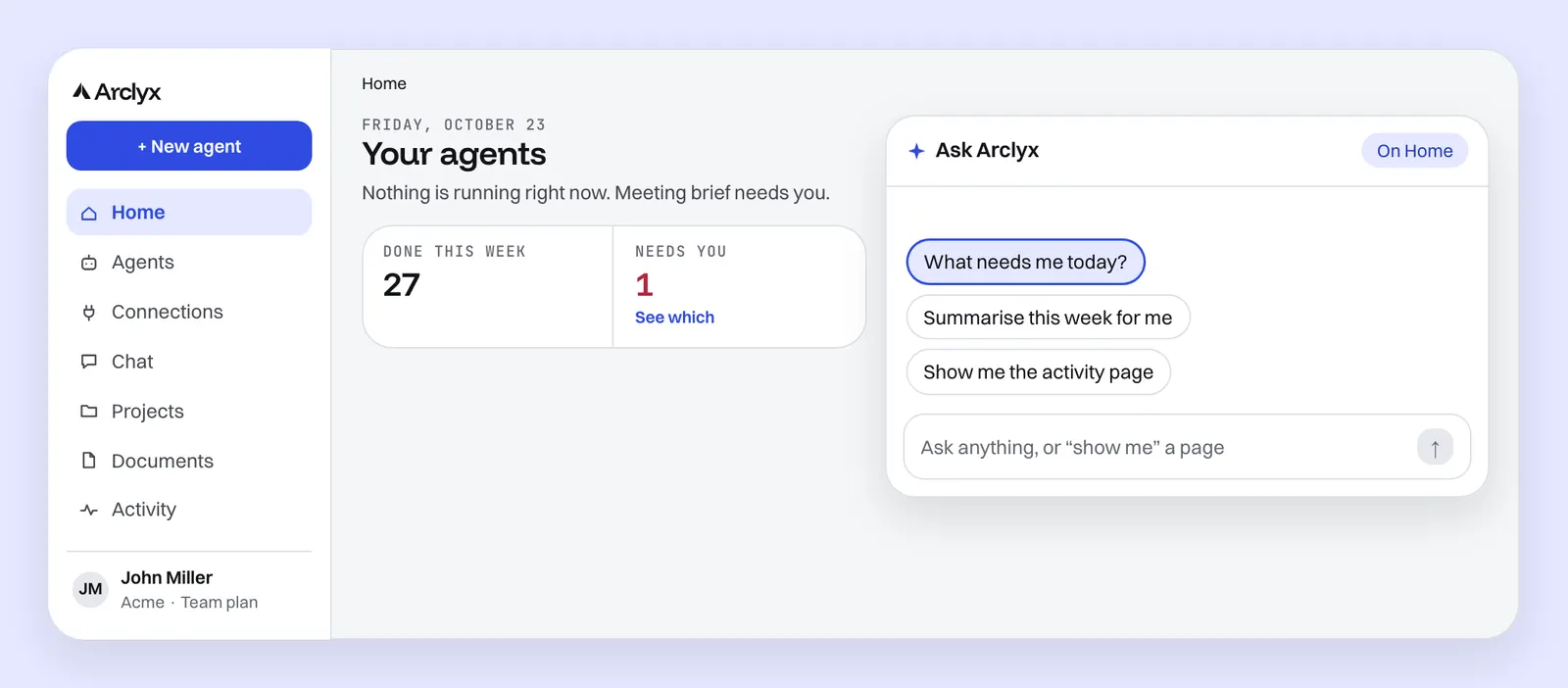
The run questions are where it saves the most time. "Why did it stop where it did?" on a failed run gives you the round and the reason in a sentence. Our guide on how to debug AI agents shows what to do with the answer.
Can it open things for you?
Yes. Say "show me" and a name, and Ask Arclyx opens that agent, run, project or chat, or a main page such as Home or Activity. It only opens what you can already see in Arclyx. It's the quickest way to get from a question to the page that answers it, without clicking through lists.
When a conversation outgrows the small card, Open in Chat moves it to the full Chat page, where you can keep going. New chat starts again on the page you're on.
Can it build an agent for you?
It drafts one. Describe a job, or say when it should run, and Ask Arclyx drafts the agent or the schedule as a card: its name, when it runs and the tools it will use. Nothing is saved until you press Confirm; press Adjust instead and tell it what to change.
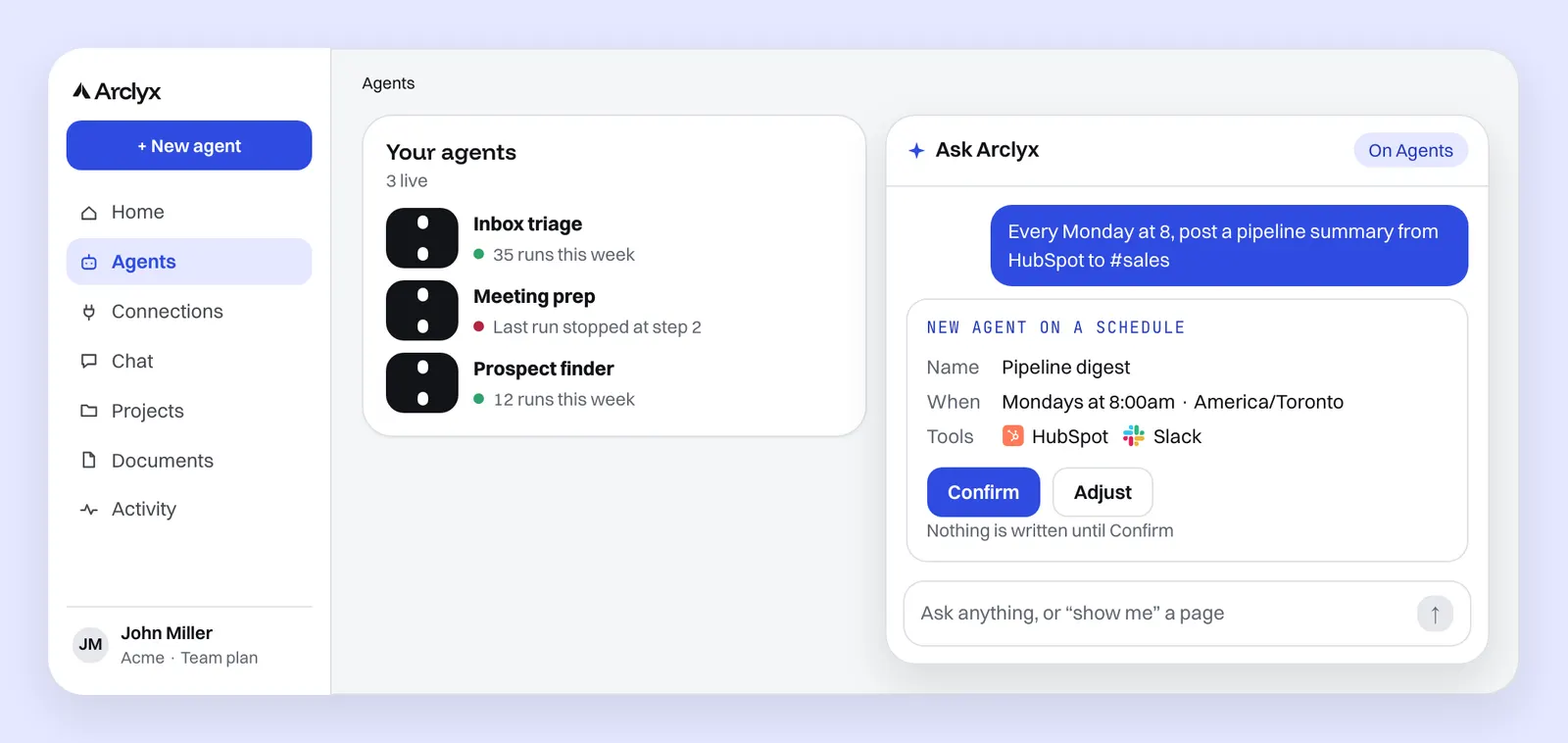
This is the same idea as creating an agent from one sentence, started from wherever you are. Once confirmed, it's an ordinary agent: test it, give it limits and watch its runs like any other. The page on how to create an AI agent covers what makes a good sentence.
What can't it do?
Ask Arclyx reads, opens and drafts. Anything that runs or changes an agent stays with you, on the agent's page. That line is deliberate: an assistant that answers from page text shouldn't be one that can act on what that text says.
| It can | It can't |
|---|---|
| Answer from your agents, runs, documents and usage | Run an agent: Run it now on the agent's page does that |
| Open an agent, run, project or chat you can see | Edit or delete an agent |
| Draft a new agent or schedule for you to confirm | Connect a tool or change a setting |
| Carry the conversation into Chat | Search the web, send a message or post to Slack |
It can also be wrong. A note under the conversation says so and asks you to double-check responses. That's one more reason anything it would create arrives as a draft first.
Is what's on my screen kept?
No. The page goes with that one question and isn't saved. The conversation itself is kept like any other chat, so you can open it in Chat later. And what's on the page goes in as data, never as instructions, so text inside a run's output or a document can't give Ask orders.
That last point matters more than it sounds. OWASP lists prompt injection first among the risks of LLM applications, and names the indirect kind: instructions hidden in external content such as websites or files that the model reads 1. A run's output can quote an email; a document can contain anything. So Arclyx marks the page as page data and runs it through the same prompt-injection scan as the documents agents read, and anything flagged arrives fenced off with a warning.
Ask Arclyx uses Auto unless you pick a model: Arclyx picks one for each message. It answers from the same records that the AI agent observability page describes, so every run it talks about is one you can open and check yourself. To see what your agents could do, browse AI agents for business.
Sources
- OWASP Gen AI Security Project — LLM01:2025 Prompt Injection (OWASP Top 10 for LLM Applications 2025, checked 23 October 2026). https://genai.owasp.org/llmrisk/llm01-prompt-injection/