One sentence in. A working agent out.
Arclyx is an AI agent platform for teams. Write the job in one sentence and Arclyx builds the agent: it drafts the instructions, connects the tools the job needs and lets you try it on a dry run against your real tools. Then it runs on a schedule, from a webhook or when someone @mentions it in Slack.
Every Monday at 7:30, find this week's external meetings in Google Calendar, research who's coming on the web, check our history in HubSpot and post a brief for each to #meeting-briefs.
How it works
How does one sentence become an agent?
Write the job in one sentence. Arclyx drafts the agent and connects its tools, tries it once on a dry run, then runs it on its own.
- ScheduleMondays, 7:30
 Google CalendarList events
- Web searchPeople and companies
 HubSpotDeals, contacts, notes
 Slack#meeting-briefs, the one channel it may post to
- One sentence: when, which tools, where it lands.
- Arclyx drafts the agent and connects the tools.
- A dry run on your real tools. Posts are held.
- On schedule, by webhook or Slack @mention.
AI agents for business
What can AI agents do for your team?
Each of these runs in Arclyx today and began as one sentence. Open one to see what it reads, what it hands back and the sentence behind it.
See all agents →Sales
- Prospect finder
Find up to 10 B2B software companies headquartered in Canada with 50 to 200 employees and at least one open sales role in Canada, name their head of sales, and post the list with a source for every fact to #prospects.
- Meeting brief
Every Monday and Thursday at 7:30, find meetings in the next three days with someone outside the company, research the people and their company, check our history in HubSpot, and post one message with a brief for each to #meeting-briefs.
- RFP finder
Every Monday at 7, search CanadaBuys, MERX, BC Bid and our city portals for software, AI and data tenders posted in the last 7 days, check each notice against our RFP profile, and post the fits to #bids.
Marketing and product
- Competitor watch
Every Monday at 8, check Competitor A, B and C for pricing, product, news and hiring changes since last week, compare them with our competitor notes, and post a cited digest to #competitive.
- Feedback analyst
On the first of each month, read our feedback table, group the comments into themes with sentiment and month-by-month counts, flag churn risks with evidence, and post the top themes and three fixes to #product.
- Blog drafter
When I ask, read our content brief, research the topic, write a blog draft with a short answer first, question headings, an FAQ and a source for every number, save it as a new Google Doc and send the link to #content.
Finance
- Finance desk
On the 2nd of each month, run our month-end: have Bank reconciler reconcile the bank and KPI reporter report the KPIs, build a 30-day cash outlook from our tables, check every number, and post one summary to #finance.
- Bank reconciler
On the 2nd of each month, reconcile last month's bank statement against the ledger in our tables, list every exception with a suggested journal entry, and post the reconciled balance to #finance.
- KPI reporter
On the first working day of each month, compare last month's KPIs in our metrics table with the month before and the 3-month average, flag anything that moved more than 10%, and post a summary to #leadership.
Customer support and success
- Support triage
Every weekday at 9, sort today's new support requests into urgent, needs a person or routine using our help notes, save a Gmail draft reply for each routine one a help note answers, never send anything, and post the list to #support.
- Support digest
Every Friday at 4, read this week's support requests, group them by root cause, count each group and name the customers, find the open GitHub issue that tracks each one or say there isn't one, and post the digest to #support-digest, biggest group first.
- Renewal risk radar
Every Monday at 8, find every customer renewing in the next 90 days in our customer, usage and ticket tables, rate each red, amber or green on usage drop, open urgent tickets, days since contact and seats in use, and post the list to #renewals with one next step for each account's CSM.
Engineering
- Async standup
Every weekday at 9, write the async standup for our GitHub repository: which PRs merged yesterday, which open PRs have waited on review for over a day, and which open issues are blocked or haven't moved in 7 days, grouped by person, and post it to #eng-standup.
- Weekly eng update
Every Friday at 4, write the weekly engineering update for leadership from this week's merged PRs, releases and closed issues in our GitHub repository: what shipped, what's in progress, and risks. Save it as a new Notion page under Engineering updates and post a short summary with the link to #eng-leads.
- Release writer
When a release is published in our GitHub repository, write customer-facing release notes from the PRs merged since the previous release of the same component, grouped into New, Improved and Fixed, in plain words. Save them as a draft Notion page under Release notes and post a short summary with the link to #releases.
Operations
- Inbox triage
Every weekday at 8, read my unread Gmail from the last 24 hours, sort each email into needs a reply, FYI or can wait, and send me one summary in #my-inbox with a next step for each reply.
- Weekly ops brief
Every Monday at 8, compare last week's operating numbers with the week before and the 4-week average, flag moves over 10%, and post a short brief for the staff meeting to #ops-leads. The numbers are in our weekly metrics table.
- Handbook answerer
When someone asks, answer HR, IT and policy questions from our shared handbook, quote the section, and say who to ask when the handbook doesn't cover it. Answer in the thread where you were asked.
What's inside
What comes with every agent?
Every agent gets the same parts, each with a page of its own. Here is the proof for each: what you see in the app.
Inside the product →Try it before it goes live
Run a draft once on your real tools and watch every step and tool call as it happens.
- 1Gmail · search14 messages
- 2Gmail · readRead
- 3Thinking5 · 6 · 3
- 4Email · send to meHeld · not sent
Runs on its own
Daily, weekdays, weekly or monthly, from a secure webhook, when someone @mentions it in Slack, or on demand.
- Weekdays at 8:00, before your first meeting
- @inbox-triage what came in since lunch?
- Run from a phone shortcut when you want a fresh sort
Works in your tools
Gmail, Drive, Calendar, Outlook, Notion, GitHub, HubSpot and more, each with your own sign-in. Admins can add any remote MCP server.
Bring any MCP server you already run


Trust
Is it safe to give an AI agent your tools?
An agent gets exactly the access you grant and nothing more, through your own sign-in. In Gmail and Outlook it writes drafts for you to review and send. It emails only you, posts in the one Slack channel you chose, stops at its spend limits, and every run is recorded step by step.
Stays inside the lines
Only the tools you grant, spend limits on every run, email only to you, code in an isolated sandbox.
- See anything your account can't
- Email anyone but the person it runs for
- Pick a new Slack channel on its own
- Spend past its limits
Shows its work
Every run recorded step by step, with tool calls, tokens and cost, and a history chart per agent.
- Every decision, in order
- Each call and what came back
- Tokens and price, per run
- The run stops before it goes over it
Meet the Arclings
Every agent gets its own Arcling.
In Arclyx an agent doesn't get initials. It gets an Arcling: a small flat robot put together from a head, eyes, a top and a mouth, on one of seven brand colours. There are 400 of them, and an agent's Arcling looks the same on every screen.
Meet the Arclings →Questions
Questions about AI agent platforms.
What is an AI agent platform?
Software for building AI agents and running them on real work. In Arclyx you describe a job in one sentence, it drafts the agent and connects its tools, you try it on a dry run, and it runs on a schedule, from a webhook or by @mention, with every step recorded.
What is the difference between an AI agent and a chatbot?
A chatbot answers when you ask. An agent does the job: it works in your tools, runs on a schedule or a trigger without you, and reports what it did. In Arclyx an agent can sort your inbox at 8, post a digest to Slack and draft a doc, then show you every step.
What is the difference between an AI agent and workflow automation?
Workflow automation follows the flowchart you wire, step by step. An agent gets the job and the tools you granted, and decides the steps itself: what to search, what to read, when it's done. You change it by saying what should change, not by rewiring a flow.
Can AI agents talk to each other?
Yes, on the Team plan. An agent can hand parts of a job to helpers that run alongside it, then review what comes back before it answers. Finance desk works this way: Bank reconciler and KPI reporter each do their part and hand the result back to it.
Can AI agents send emails?
An Arclyx agent can email you, and only you: the person it runs for. In Gmail and Outlook it writes replies as drafts for you to review and send. It can also post its result to the one Slack channel you chose.
Are AI agents safe to use with company data?
They are when access is narrow and every run is on the record. An Arclyx agent uses only the tools you grant, through your own sign-in; code runs in an isolated sandbox with no internet; and models are reached only through providers that never train on your data.
Do I need to code to build an AI agent?
No. In Arclyx the agent comes from what you write: one sentence, a couple of answers, and any change you ask for in plain words. Every setting is still there to open by hand, from the model to its spend limits.
Is Arclyx for small businesses or large teams?
Both. There are Free, Team and Enterprise plans: Free to try agents on your own, Team for a whole team sharing agents and helpers, and Enterprise for larger organisations with contracted usage. Arclyx is in private beta; join the waitlist with a work email to get early access.
From the blog
What we're learning running agents in production.

LLM inference explained: where the time and money go
What happens between sending a prompt and reading the answer, what it costs, and how to make it cheaper and faster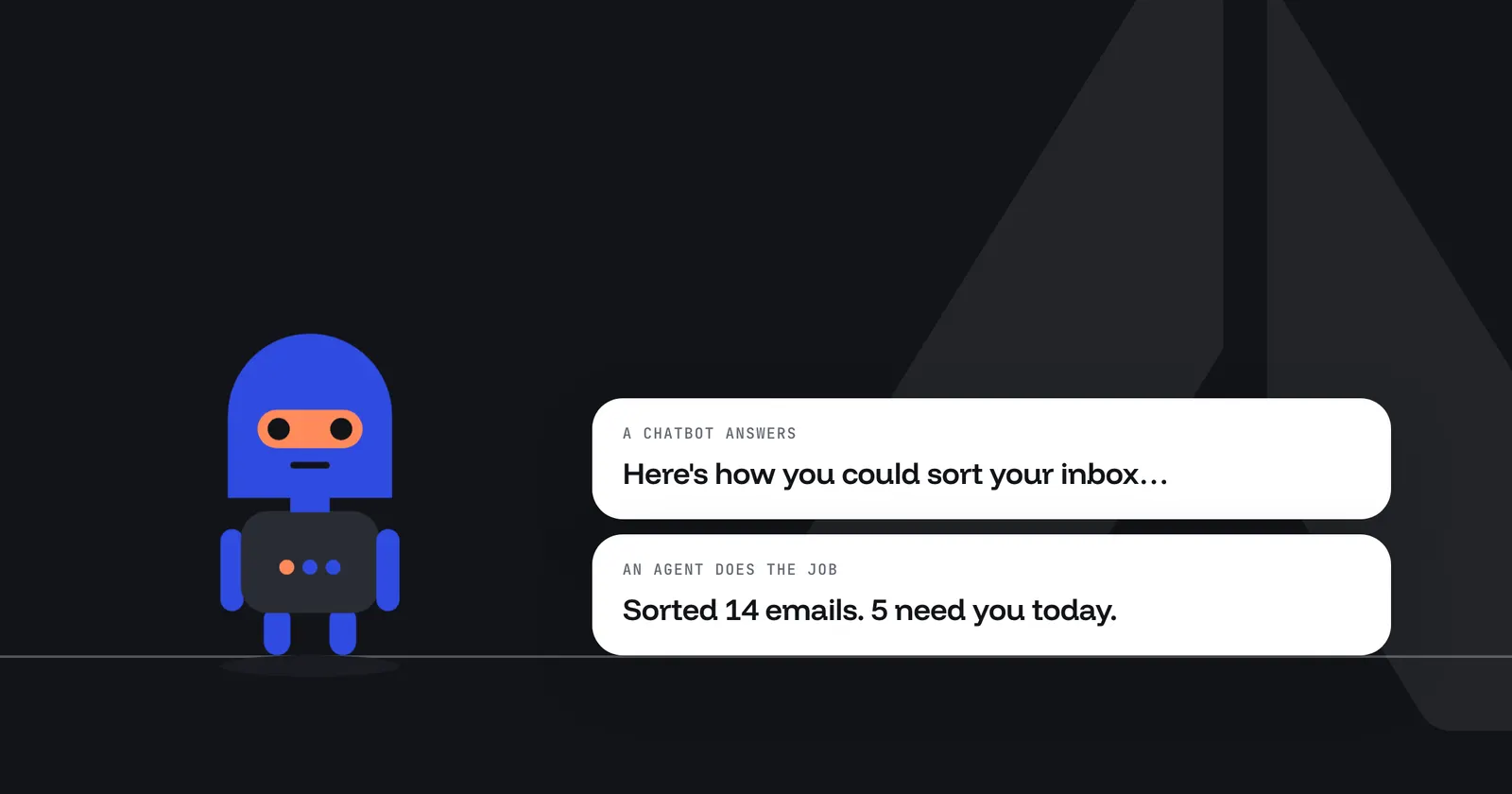
AI agent vs chatbot: what's the difference?
Who starts the work, where it happens, what comes back and what keeps it in bounds, with one job done both ways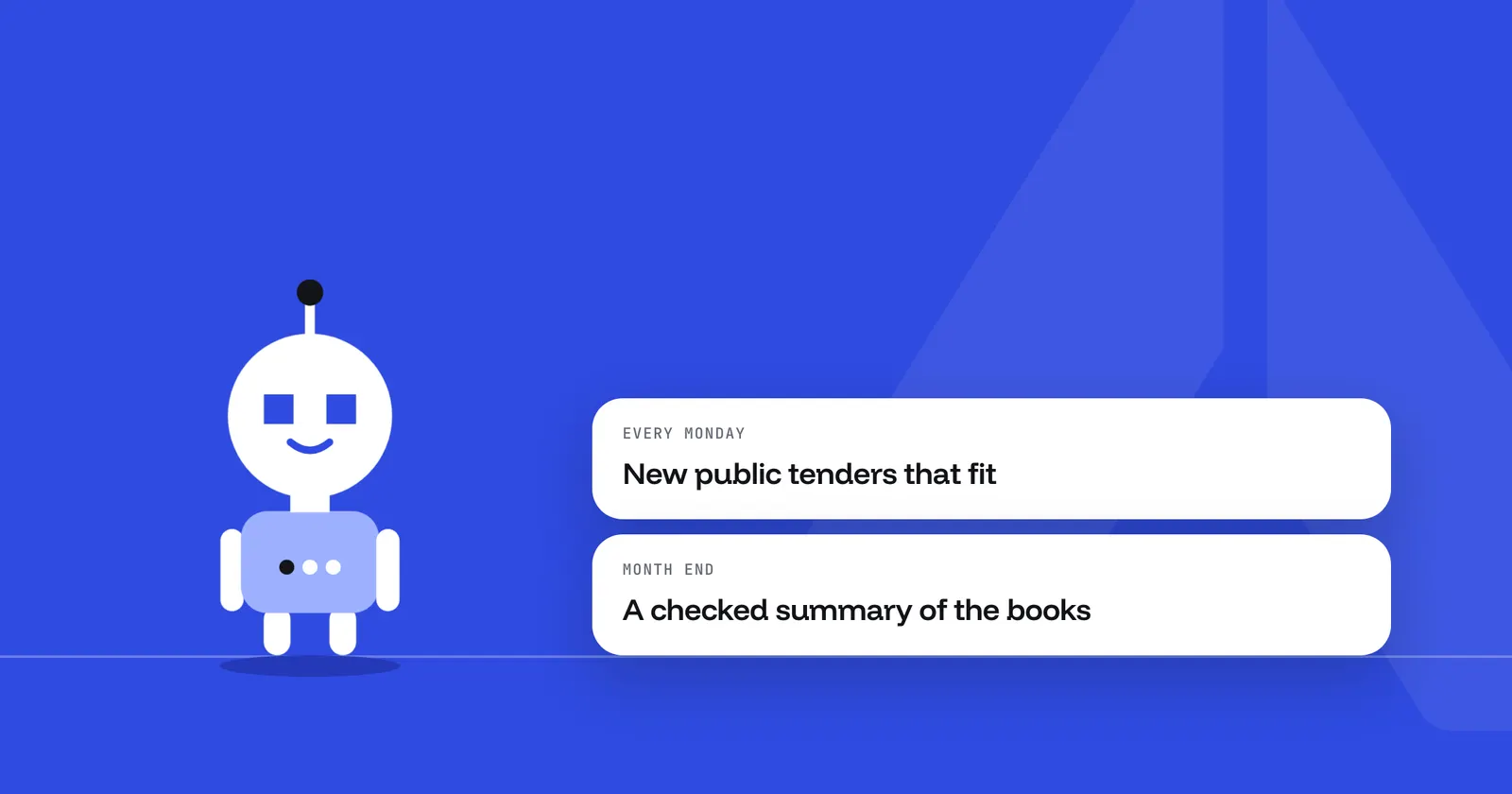
AI agents for small business: three jobs worth handing over
Finding tenders, drafting the blog and closing the month: what each agent does, what it hands back and what stays with you
Your first agent is one sentence away.
One sentence in, a working agent out. Join the beta and we'll set you up.