Summary
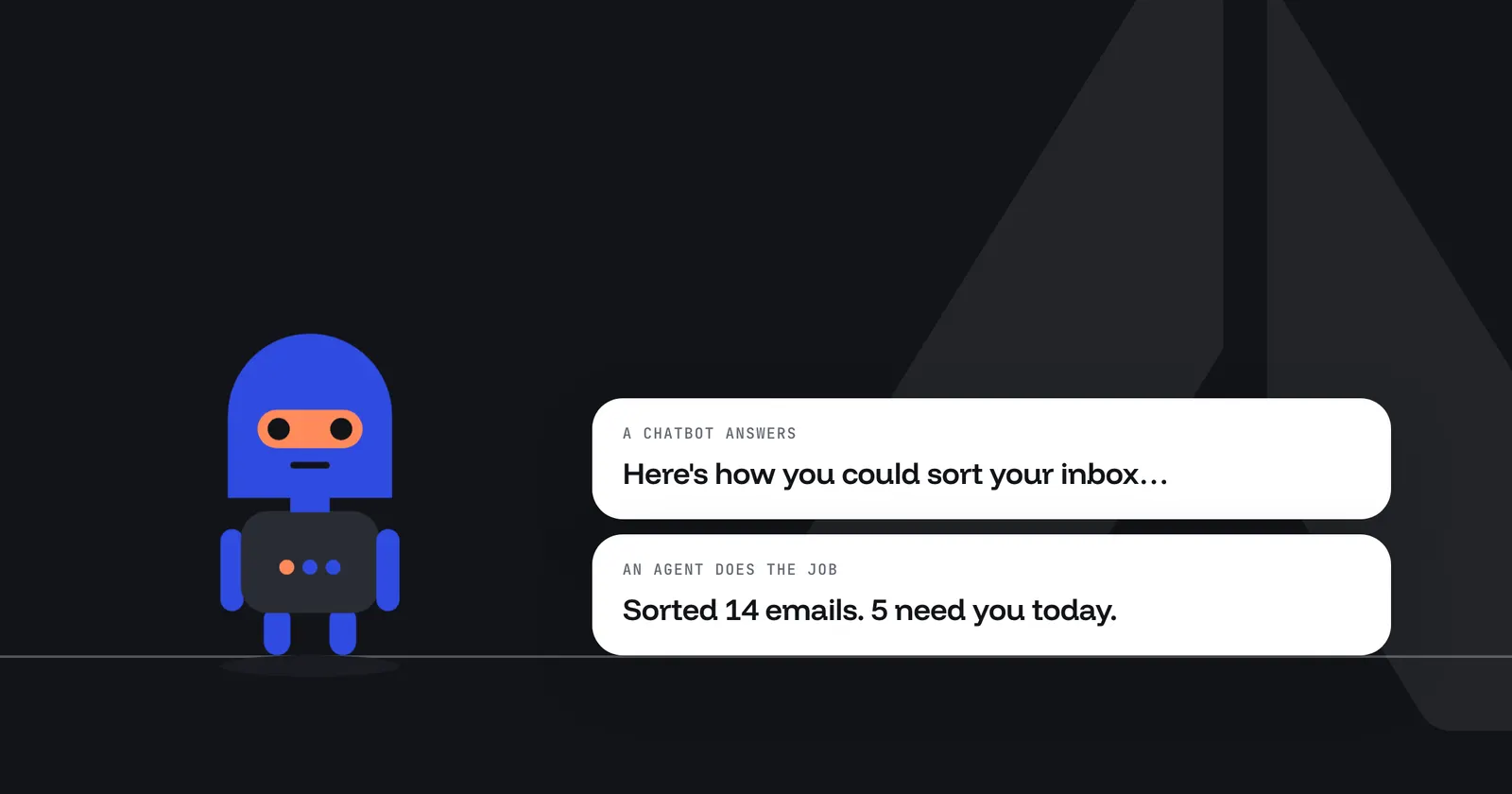
The difference between an AI agent and a chatbot is who does the work. A chatbot answers when you ask and hands the words back to you. An AI agent is given a job, starts itself on a schedule or an event, uses your tools to do the job, delivers the result and keeps a record of each step. This guide compares the two side by side, says when a chatbot is the better choice, and shows how to turn a task you keep asking a chatbot into an agent.
Key Takeaways
- A chatbot answers; an agent acts. IBM puts it plainly: "chatbots are a modality whereas agency is a technological framework" 4.
- Who starts it is the clearest test. A chatbot waits for you. An agent can start from a schedule, a webhook or a Slack mention.
- An assistant sits in between. Google Cloud describes AI assistants as agents that respond to you and leave the decisions to you 3.
- Chatbots are often enough. For one-off questions, Anthropic recommends the simplest solution that works, and only adding complexity when needed 1.
- Agents need limits outside the model. An agent acts without you watching, so what it can reach, spend and send should be settings, not requests in a prompt.
- Arclyx has both. Chat and Ask Arclyx answer questions; agents do recurring jobs, and every run is recorded step by step.
What is the difference between an AI agent and a chatbot?
A chatbot is software you talk to: you ask, it answers, and you decide what to do with the answer. An AI agent is given a job and does it: it decides the steps, uses tools such as your inbox or CRM, delivers the result where you said, and can start itself without anyone asking. One returns words; the other returns finished work.
IBM defines a chatbot as an application that communicates with people through text or voice 2, and an AI agent as a system that autonomously performs tasks by designing workflows with the tools it has 4. Here is how that plays out on the five questions that matter in practice:
| Chatbot | AI agent | |
|---|---|---|
| Who starts it | You, every time you type | A schedule, an event or a mention, as well as you |
| Where it works | In the chat window | In your tools, through the access you grant |
| What it hands back | An answer for you to act on | The finished job, delivered where you said |
| What's recorded | The conversation | Every step, tool call and result, for every run |
| What limits it | What you ask and what it says | Settings it can't change: tools, spend, where it can send |
Is an AI agent the same as an AI assistant?
Not quite. An AI assistant is closer to a chatbot with tools: it works with you turn by turn, can take actions when you ask, and leaves the decisions to you. An AI agent is given a goal and works through it with less supervision, often while nobody is watching. Many products use the words loosely, so look at who starts the work.
Google Cloud draws the line the same way: assistants are reactive and respond to requests, while agents are proactive and goal-oriented, with the most autonomy of the three; bots follow pre-defined rules 3.
Arclyx has both kinds. Ask Arclyx is the in-app assistant: it answers questions about the page you're on, opens things and drafts new agents for you to confirm, but it can't run, edit or delete an agent. The Ask Arclyx page covers what it does. Agents are what run the jobs.
What can an AI agent do that a chatbot can't?
An agent can do a job end to end without you in the loop: start on its own, read where the work lives, act in your tools, and put the result where your team will see it. A chatbot can help with each of those steps, but you have to ask, paste the context in and carry the answer out.
Take one job, sorting the morning inbox, and do it both ways.
With a chatbot, you open the chat each morning, paste in the emails you want sorted, ask which need a reply, then copy the answer somewhere useful. It works, and it works only on the mornings you remember.
With an agent, you describe the job once: every weekday at 8, read my unread Gmail, sort it into what needs a reply, FYI and can wait, and post a summary to my channel. From then on it runs at 8, reads the inbox through your own sign-in, and posts the summary. You read the result instead of producing it.
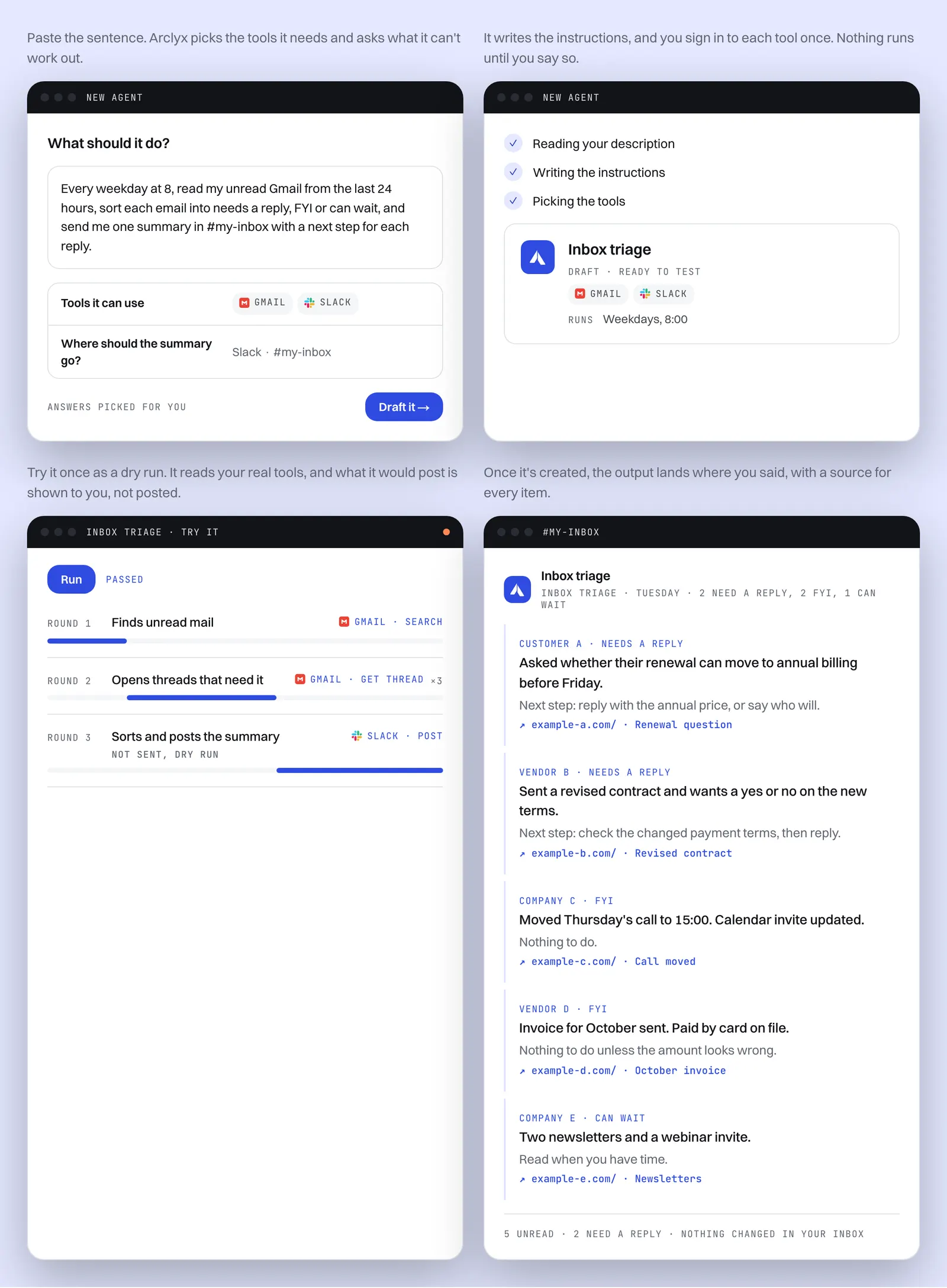
The inbox triage agent runs this job in Arclyx today. Our AI agents for business page lists more jobs like it, by team.
When is a chatbot the better choice?
When the work happens once, changes every time, or needs you to steer it turn by turn. Drafting a reply, explaining a document, brainstorming a plan: a chatbot is faster to start and easier to correct, because you're there for every step. An agent pays off only when the same job comes back.
Anthropic's guidance on building with language models says the same thing from the builder's side: find the simplest solution possible and add complexity only when it's needed, because for many applications a single model call with good retrieval is enough 1. A rough rule:
- Use a chatbot for questions, one-off writing, and anything you want to steer as it goes.
- Use an agent for a job you'd otherwise do by hand on a calendar or after an event, with a result you can describe in advance.
- Use both when the agent's output starts a conversation: an agent posts the weekly digest, and people ask follow-up questions in chat.
How does an agent start without being asked?
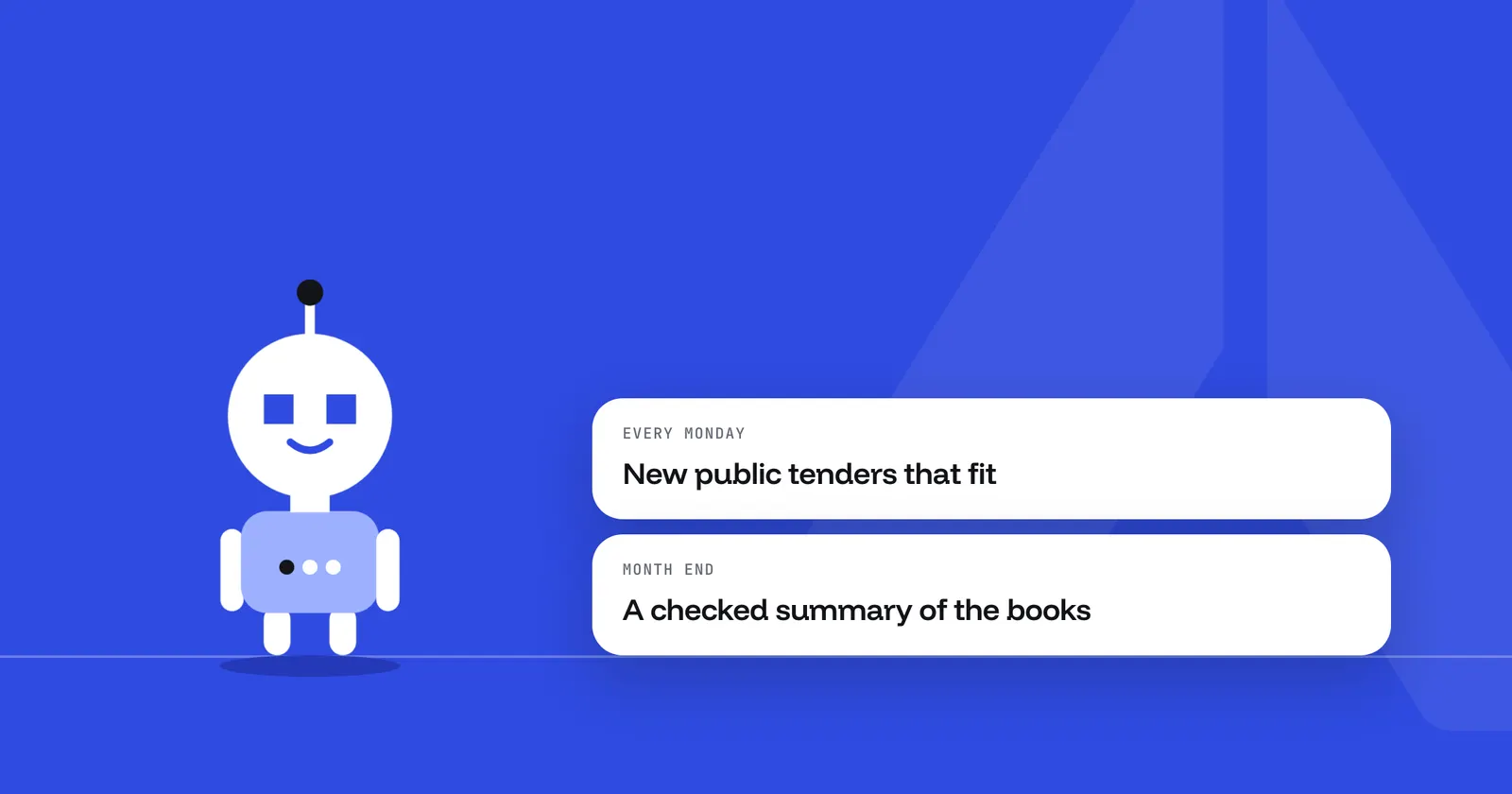
Through a trigger. In Arclyx an agent can start four ways: on a schedule in your time zone, when another system calls its webhook, when someone @mentions it in Slack, or when you press Run it now. One agent can use more than one, and a draft never runs on its own until you create it.
That's the part a chatbot doesn't have. A schedule turns "remember to ask on Monday" into a run every Monday at 8. A webhook lets a form, a CRM or a deploy hand work to the agent the moment it happens. The triggers page covers each one.
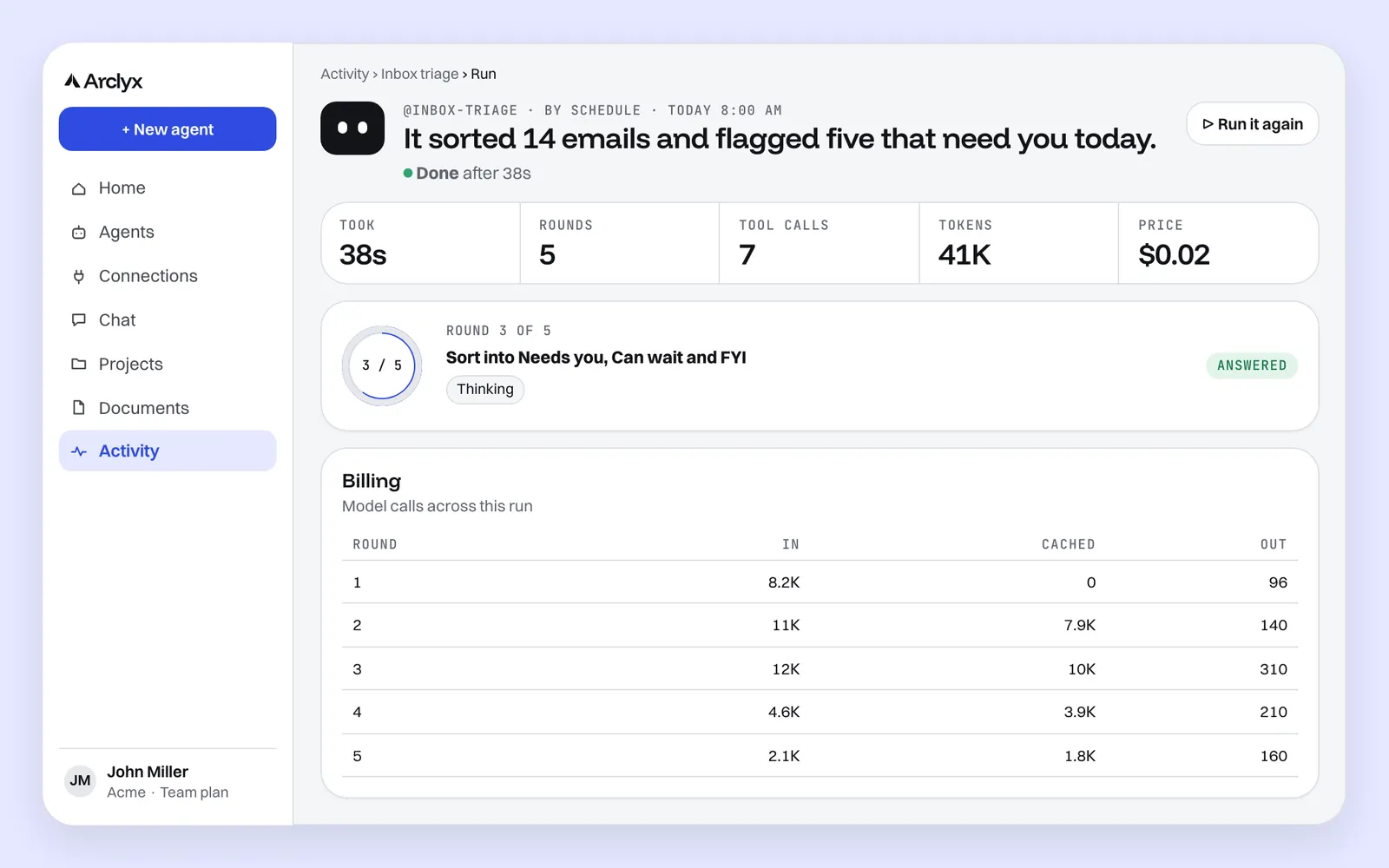
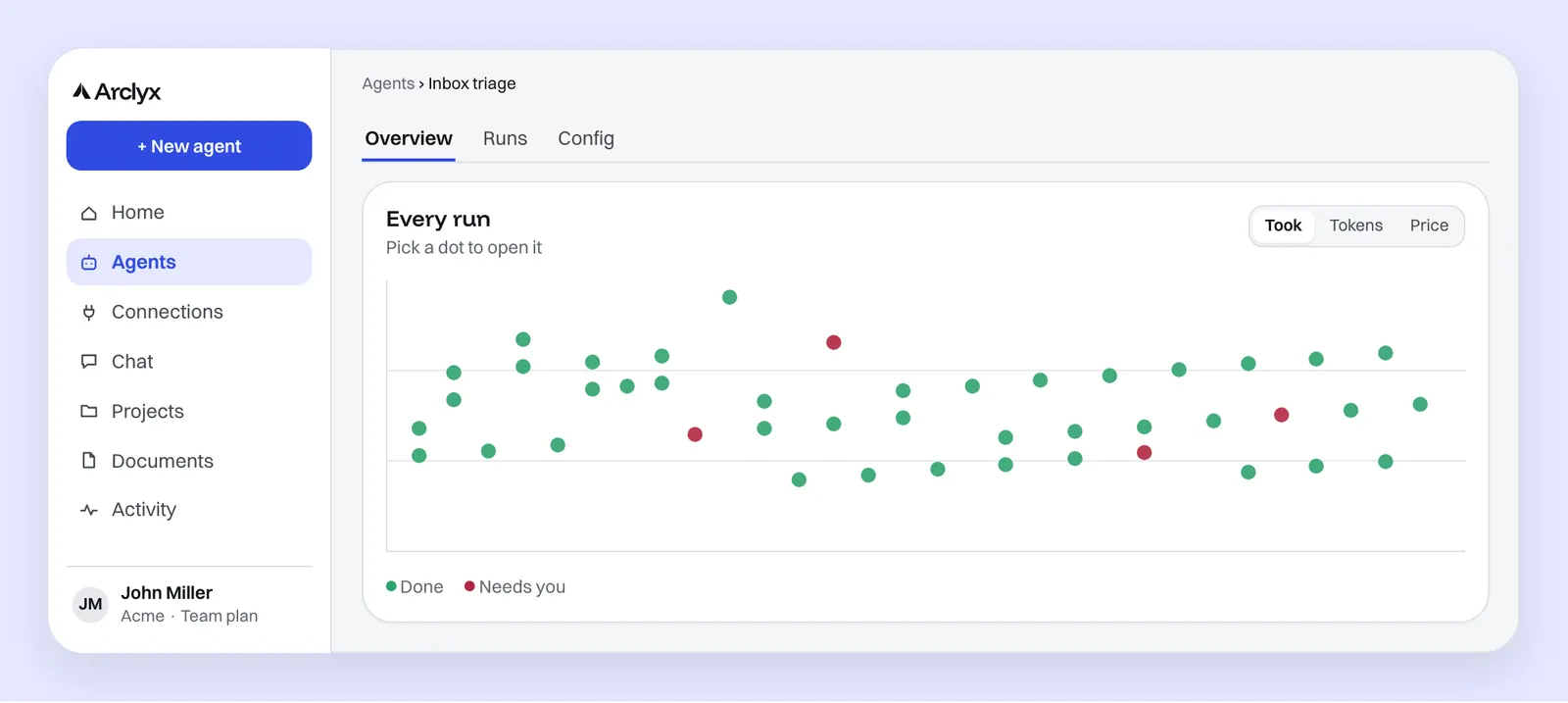
Every run is then recorded, whoever started it. The run's page shows what happened in a sentence, how long it took, how many rounds and tool calls it used, the tokens, the price on paid plans, and each round in order.
Is an AI agent riskier than a chatbot?
Yes, because it acts. A chatbot's worst output is a wrong answer you can ignore. An agent's is a wrong action: an email sent, a record changed, a post in the wrong channel, often with nobody watching. So an agent's limits have to be enforced by the platform, outside the model, not written into its prompt.
In Arclyx those limits are settings on every agent:
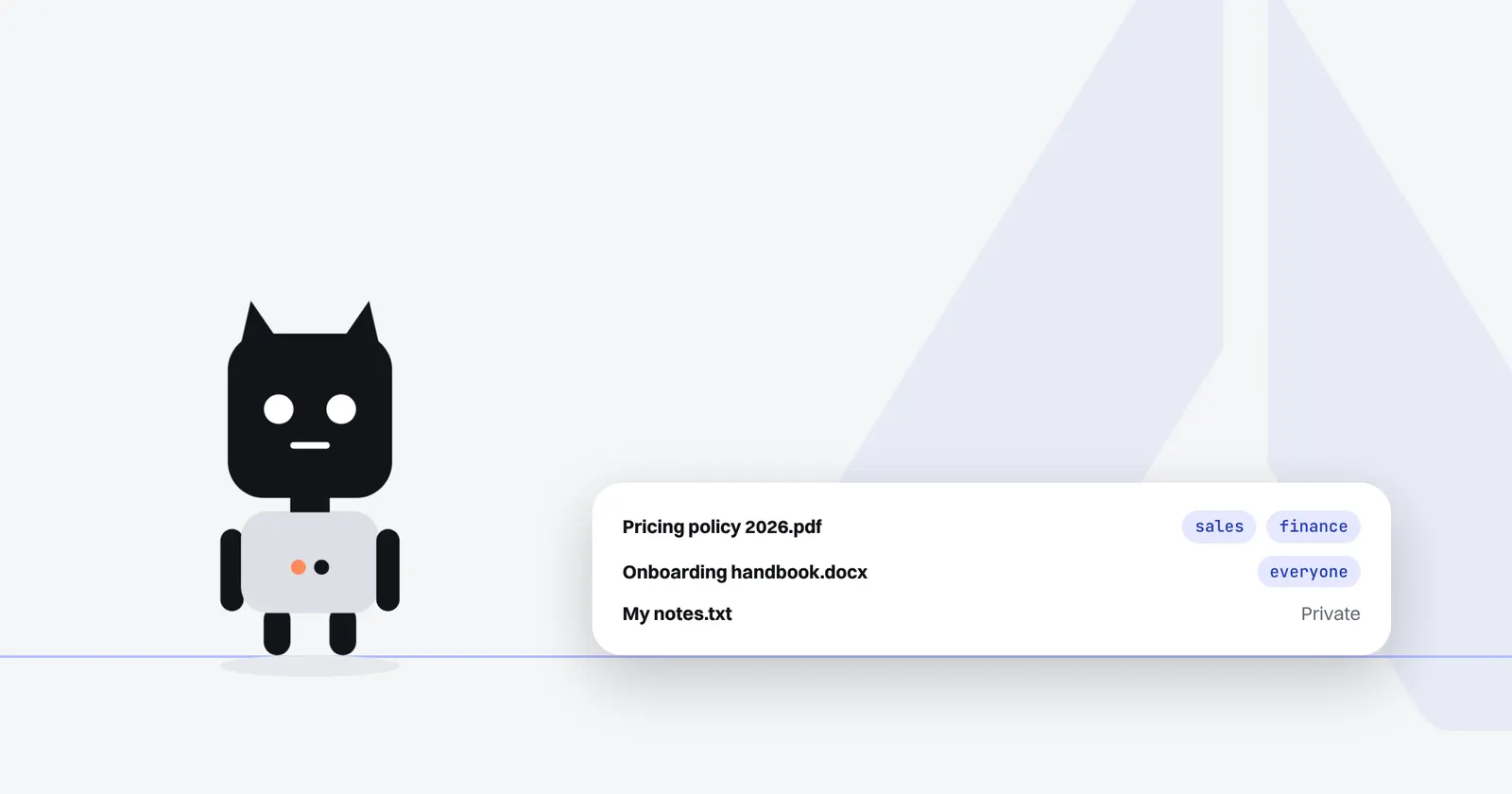
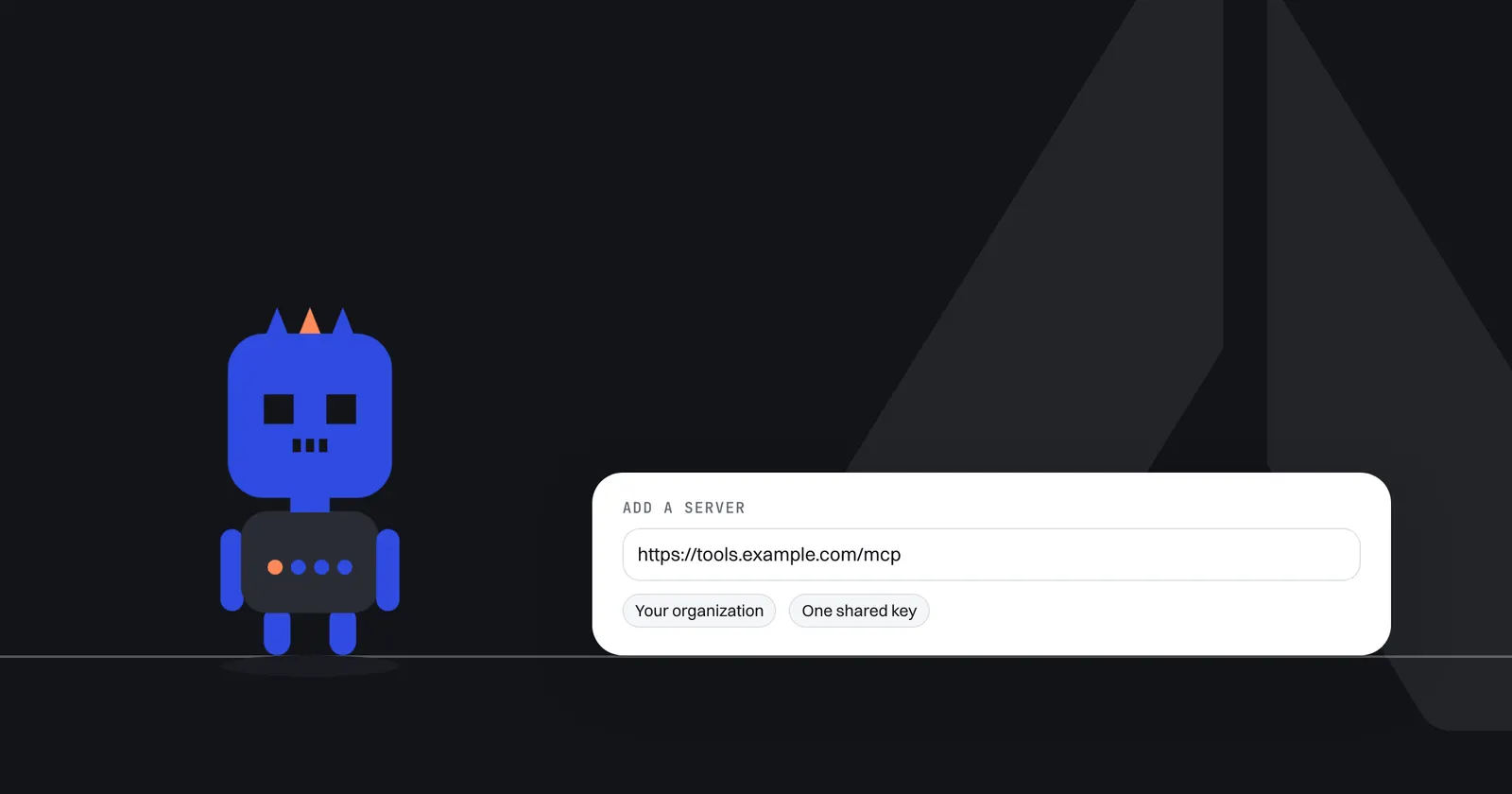
- Tools: an agent uses only the tools you granted, through your own sign-in.
- Email: the email it sends goes only to the person it runs for, and in Gmail and Outlook it writes drafts for you to review and send.
- Slack: it posts only to the one channel you chose; the model can't pick another.
- Spend: every run is checked against your plan's limits, and paid plans add a ceiling per run and a monthly cap.
Arclyx doesn't ask you to approve each action. The tools you grant are the boundary, so grant only what you'd let it do unattended. The guardrails page covers each limit, our guide to AI agent cost control shows how to set the spend ones, and every run's record lets you check what it did.
How do you turn a chatbot task into an agent?
Find the prompt you paste every week, then write it as one sentence that names four things: the job, the tools it works in, when it runs and where the result goes. In Arclyx that sentence becomes a draft agent: instructions, tools and a schedule. Try it once as a dry run, then let it run.
A chatbot prompt and an agent sentence for the same job look like this:
| Chatbot prompt | Agent sentence |
|---|---|
| "Here are this week's support tickets. What are the main themes?" | "Every Friday, read this week's support comments, group them by theme and post the top five to #support." |
| "Summarise what changed on Competitor A's pricing page." | "Every Monday at 8, check Competitor A's pricing page for changes since last week and post them to #competitive." |
The agent sentence adds what the chatbot never needed: when, where from and where to. Our AI agent tutorial for beginners builds one from start to finish, and the page on how to create an AI agent has more examples.
Sources
- Anthropic — Building effective agents (19 December 2024). https://www.anthropic.com/research/building-effective-agents
- IBM — What is a chatbot? (IBM Think, checked 23 October 2026). https://www.ibm.com/think/topics/chatbots
- Google Cloud — What are AI agents?, section "What is the difference between AI agents, AI assistants, and bots?" (checked 23 October 2026). https://cloud.google.com/discover/what-are-ai-agents
- IBM — What are AI agents?, Anna Gutowska (IBM Think, checked 23 October 2026). https://www.ibm.com/think/topics/ai-agents